Help › History and change log
History and change log
History keeps a full record of changes to the register, and of logins and other activity, so you can always see who did what and put things right.
Record changes and undo
Go to History › Record changes. Every addition, edit and deletion of a leaseholder or tenant is listed, newest first, with who made it, when, and the before-and-after values.
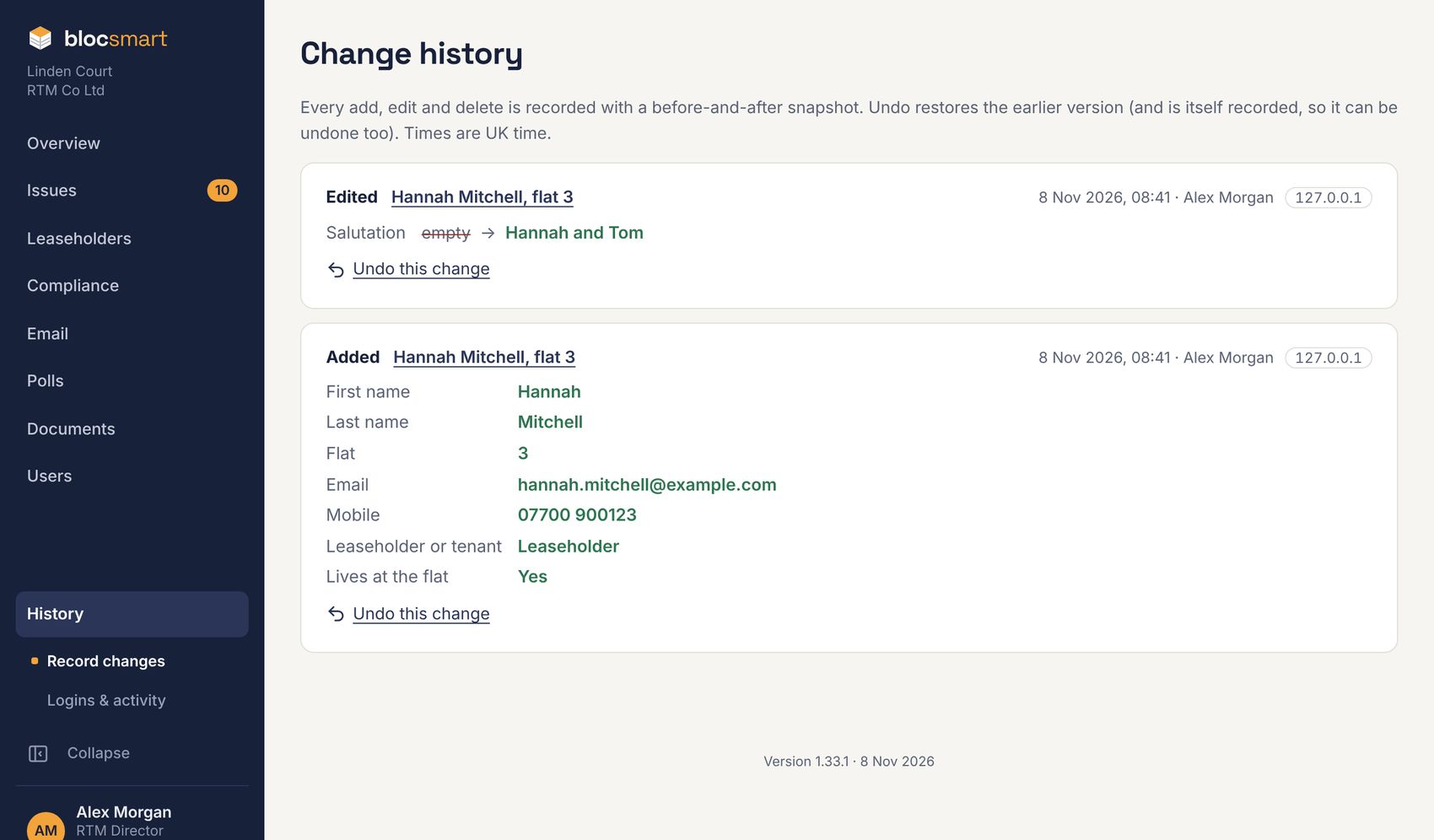
- Find the change you want to reverse and press Undo this change.
- Check what will happen (for example, a deleted record will be restored) and press Undo change.
An undo is itself recorded, so it can be undone too.
Logins and activity
Go to History › Logins & activity to see logins, changes to records and users, filed emails, documents, polls and votes, compliance checks, BSA 2022 and PEEP changes, emails sent, unsubscribes and certificates sent in, with the time and internet address of each.
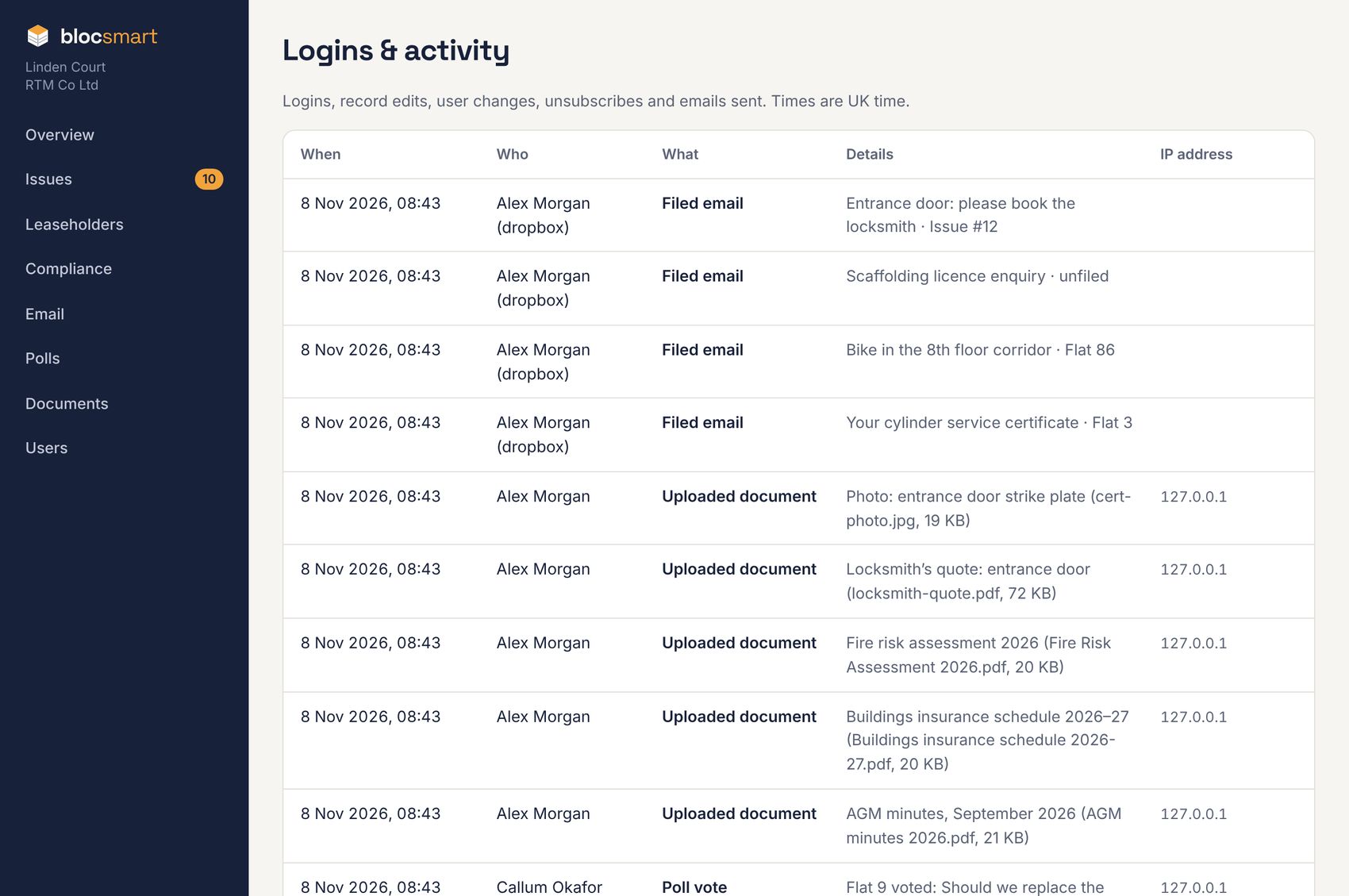
Each user’s page (see Changing a user, or resetting their login) shows just their own activity.
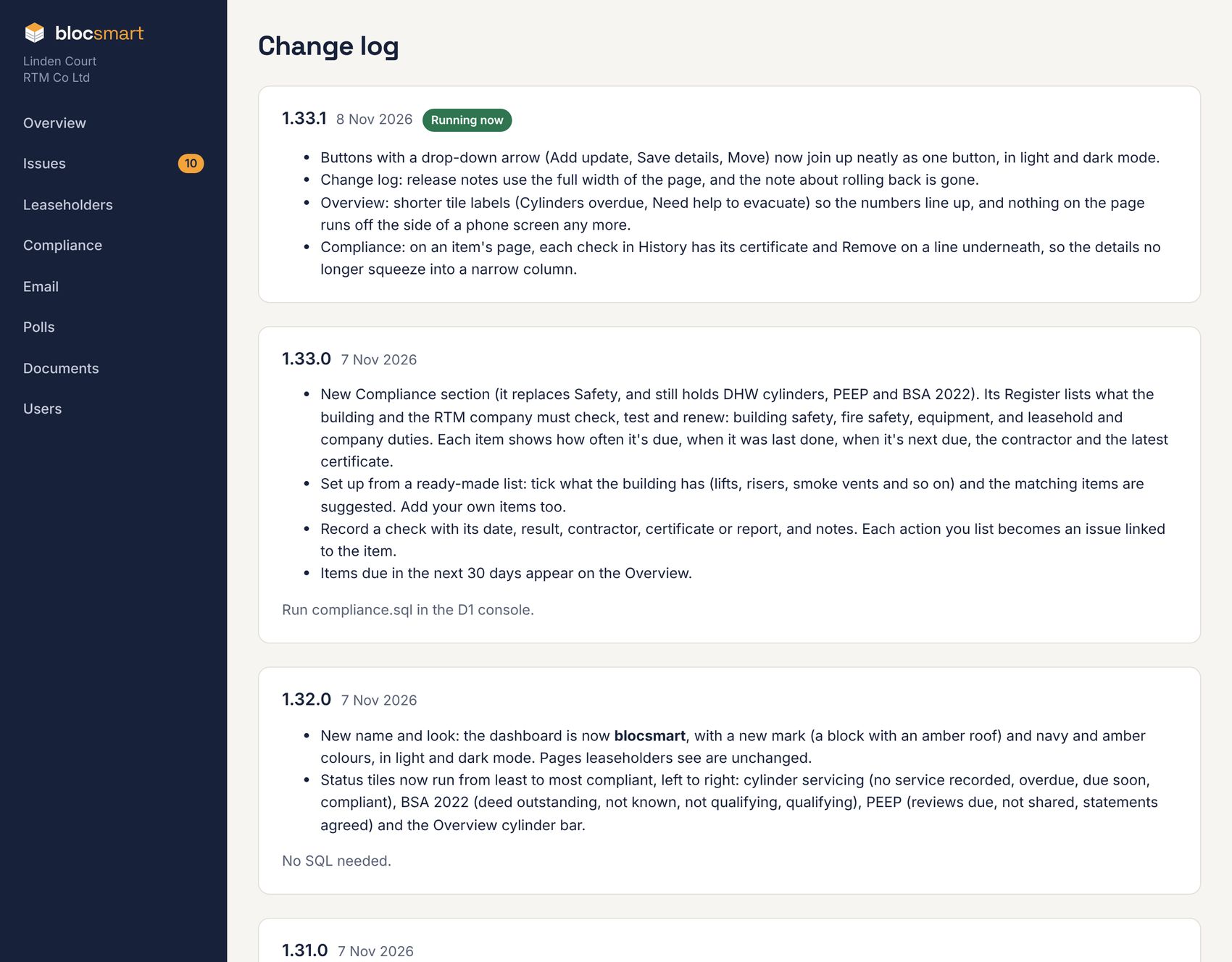
The change log
Click the version number at the foot of any page to see the change log: every release of blocsmart, newest first, with what changed. Running now marks the version you’re using.