Help › Polls
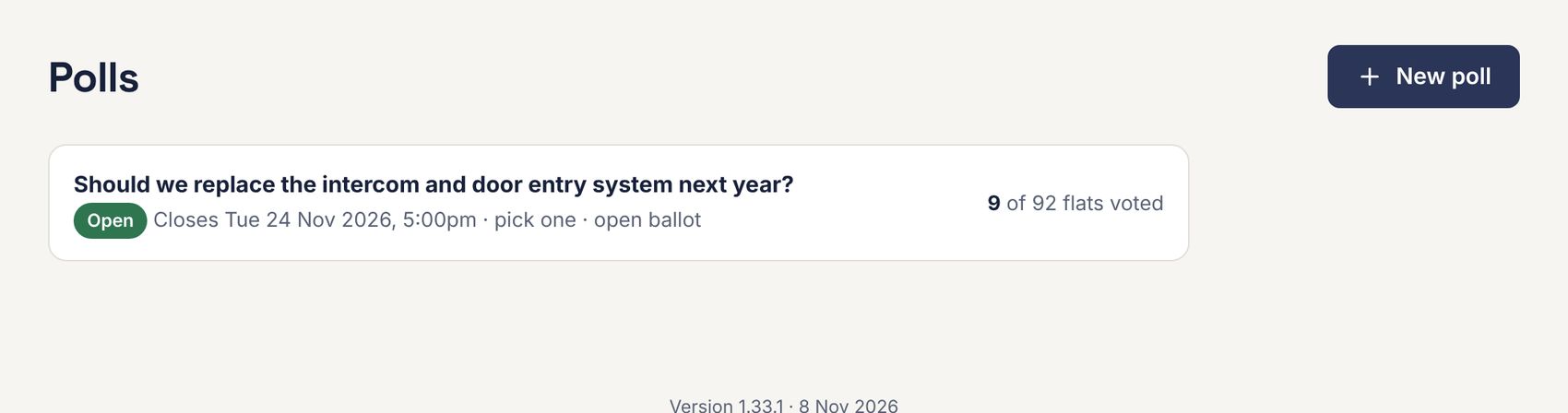
Polls
Polls let leaseholders vote online, one vote per flat, on anything from replacing the intercom to changing managing agent.
Creating a poll
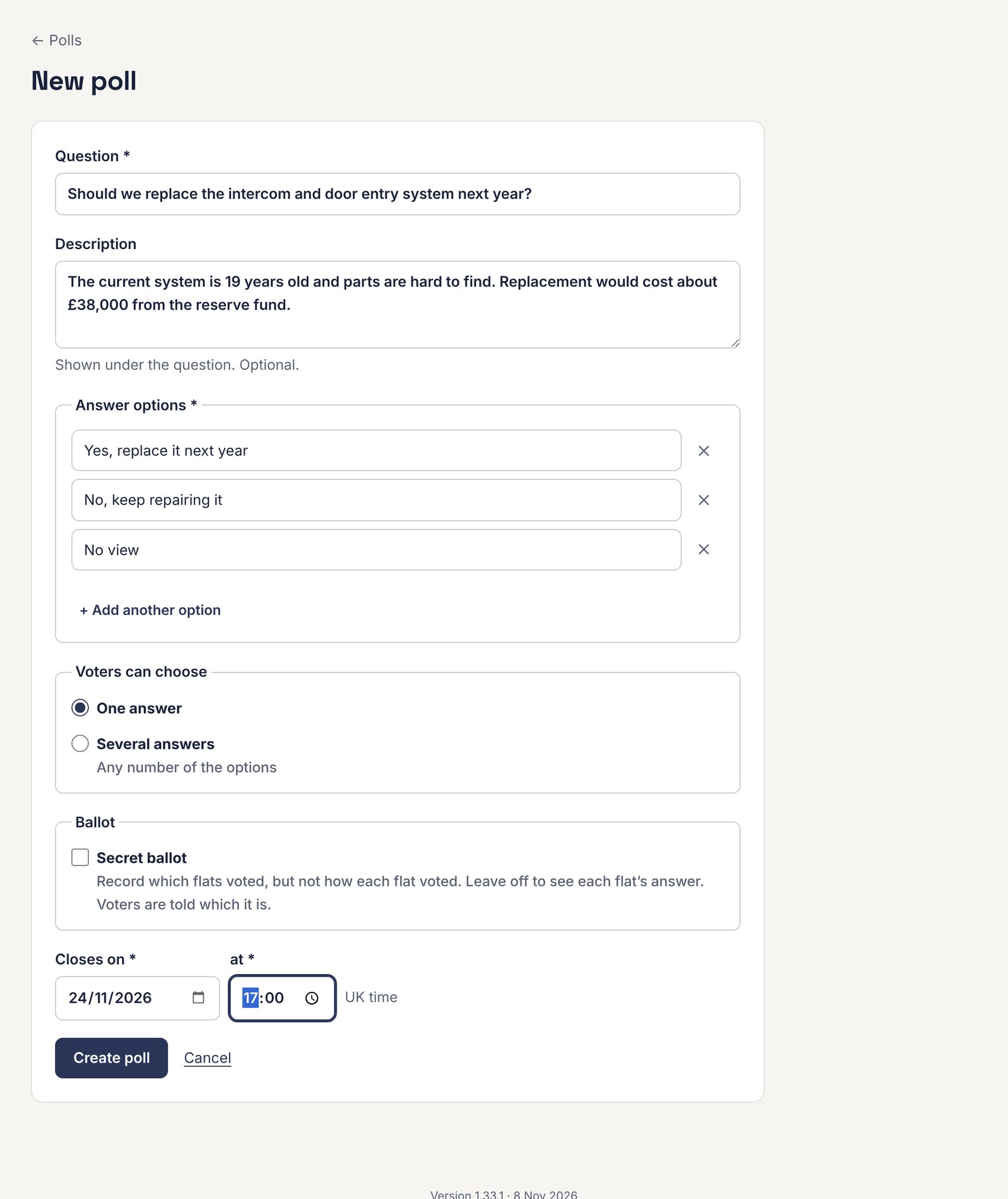
- Go to Polls and press New poll.
- Type the Question and, if you like, a Description shown under it.
- Enter the Answer options. Press + Add another option for more.
- Under Voters can choose, pick One answer or Several answers.
- Tick Secret ballot to record only which flats voted, not how. Leave it off for an open ballot, where you can see each flat’s answer. Voters are told which kind it is.
- Set when it Closes (UK time) and press Create poll.
Sharing and following a poll
A poll’s page shows its link, the results so far with turnout, and who has voted.
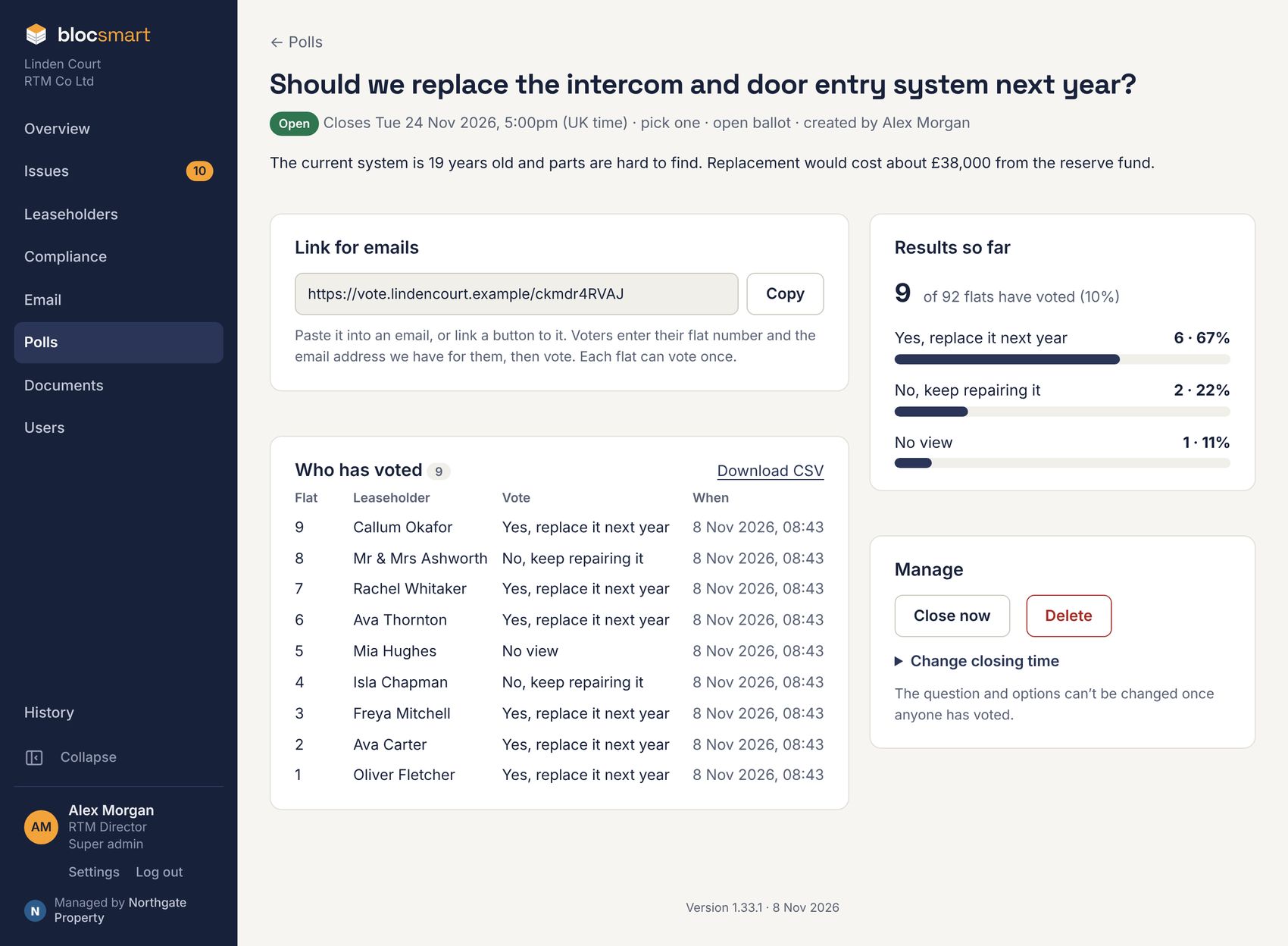
- Press Copy next to the link and paste it into an email to leaseholders (see Creating an email), or link a button to it.
- Who has voted lists each flat and when (and, in an open ballot, its answer). Download CSV saves the list.
- Under Manage: Close now, change the closing time, reopen a closed poll, or Delete it. The question and options can only be changed until the first vote.
How leaseholders vote
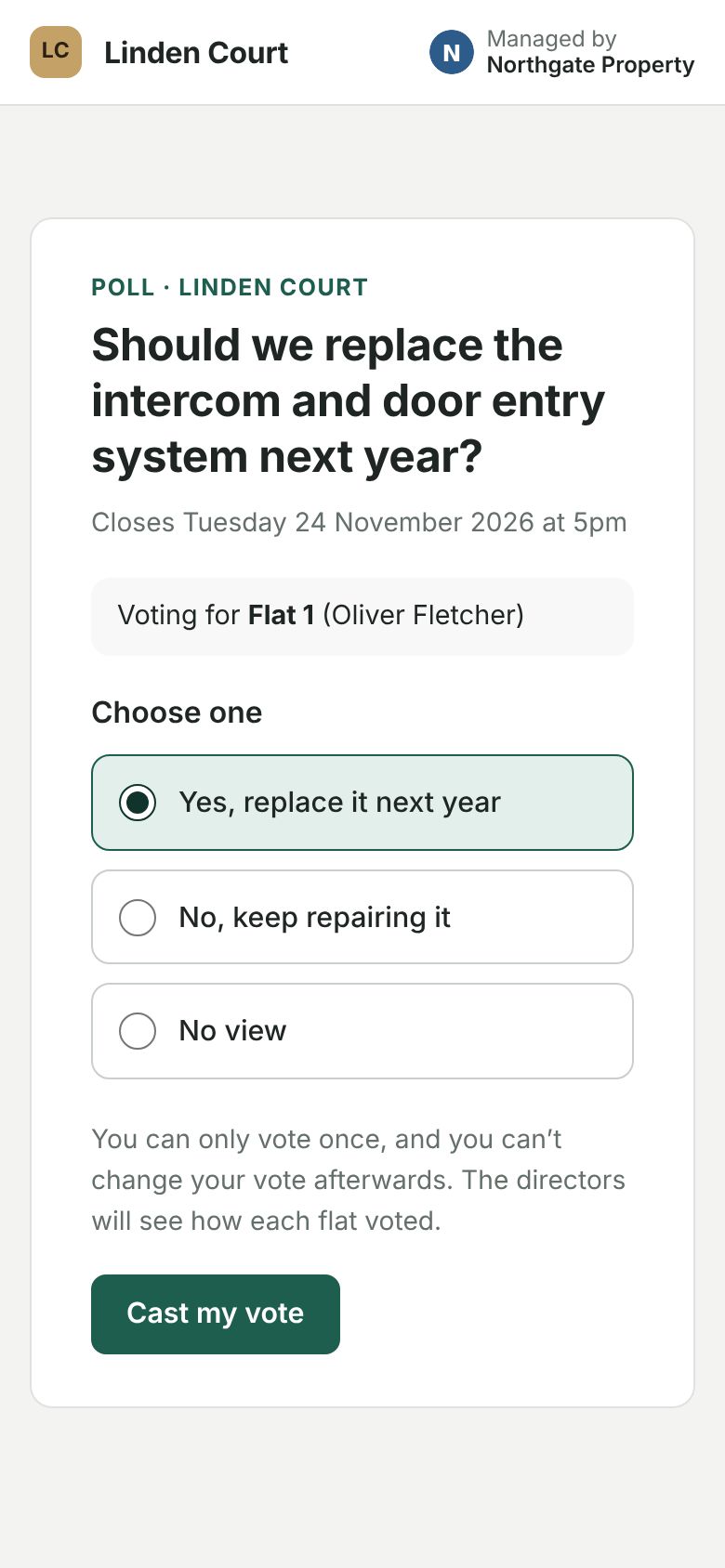
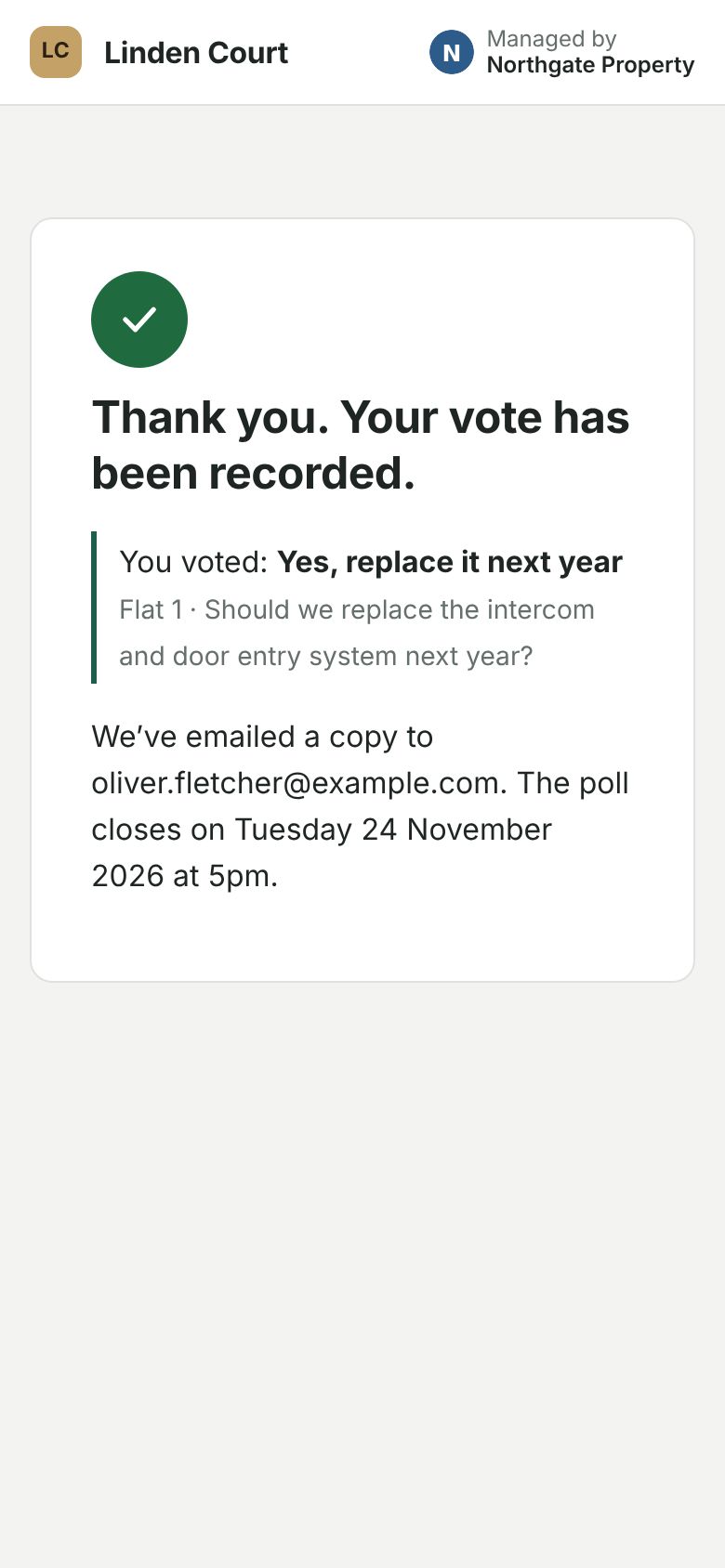
The link opens the ballot on your building’s voting page. The voter enters their flat number and the email address we hold for them. If they match a current leaseholder and the flat hasn’t voted, they can vote. Each flat gets one vote, and voters get an email receipt. Anyone trying a second time is told the flat has already voted.